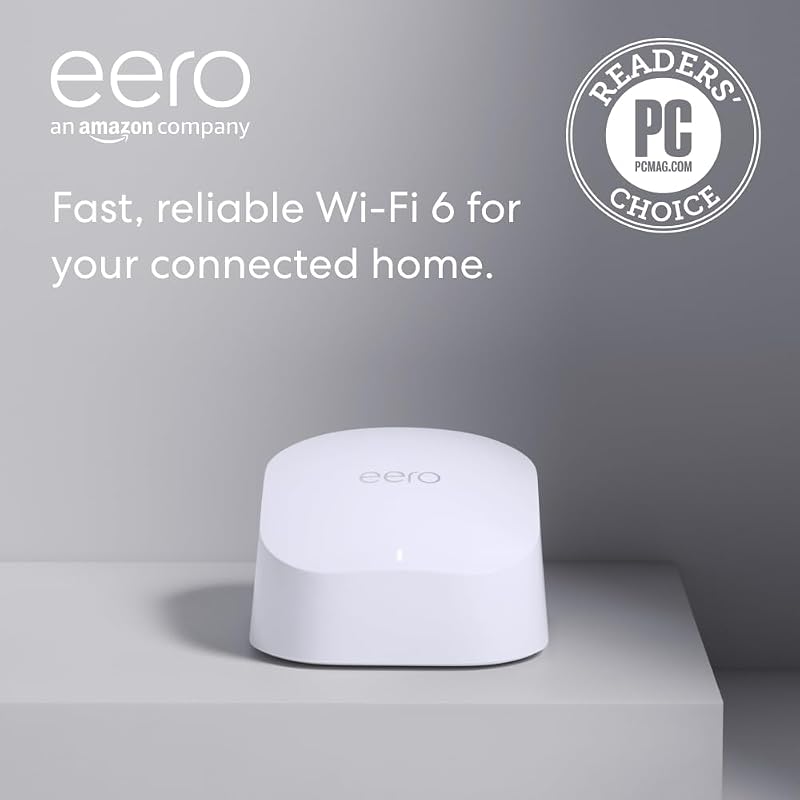
The single technical difference that decides the choice between these two mesh systems is throughput ceiling across wired ports and wireless radios: one model provides entry-level Wi-Fi 6E performance with gigabit-tier wired routing, while the other steps into full Wi-Fi 7 multi-gigabit operation with dual 10 GbE interfaces. When setting up an Eero Pro 6E, households gain reliable access to the 6 GHz spectrum with support for internet plans up to 2.5 Gbps. Stepping up to the Eero Max 7 removes network bottlenecks entirely by supporting internet service tiers up to 10 Gbps and doubling real-world wireless throughput potential.
Choose the Pro 6E if you have a standard gigabit broadband subscription and want dependable tri-band coverage for everyday household devices. Choose the Max 7 if you subscribe to a multi-gigabit fiber plan and need elite backhaul throughput, expanded client capacity, and future-proof Wi-Fi 7 speeds.


Eero Pro 6E vs Eero Max 7 at a Glance
| Attribute | Eero Pro 6E | Eero Max 7 |
|---|---|---|
| Wi-Fi Generation | Wi-Fi 6E (IEEE 802.11ax) | Wi-Fi 7 (IEEE 802.11a/b/g/n/ac/ax/be) |
| Wireless Speed Rating | Up to 1.6 Gbps | Up to 4.3 Gbps (BE20800) |
| Maximum Internet Plan Support | Up to 2.5 Gbps | Up to 10 Gbps |
| Wired Ethernet Ports | One 2.5 GbE port and one 1.0 GbE port | Two 10 GbE ports |
| Wired Speeds | Up to a gigabit | Up to 9.4 Gbps |
| Coverage per Router | Up to 2,000 sq. ft. (25-foot radius) | Up to 2,500 sq. ft. (28-foot radius) |
| Device Capacity | 100+ connected devices | 250+ connected devices |
| Channel Widths | The listing does not specify | 20, 40, 80, 160, 240, 320 MHz |
| Spatial Streams and MIMO | The listing does not specify | 10 spatial streams (2×2/4×4/4×4 MU/SU-MIMO) |
| Smart Home Hub Integration | The listing does not specify | Thread, Matter, Zigbee (controller only), BLE 5.0 |
| Warranty | The listing does not specify | 3-year limited warranty |
| Best For | Standard gigabit connections and moderate device density | Multi-gigabit broadband tiers and demanding smart homes |
Wireless Speed and Frequency Bandwidth
Wireless bandwidth dictates how fast individual devices can transfer data simultaneously across a local mesh layout without stalling. The Pro 6E represents the brand’s introduction to Wi-Fi 6E architecture, granting connected hardware access to the clean 6 GHz frequency band. Under this configuration, the router reaches wireless speeds up to 1.6 Gbps and total network throughput up to 2.3 Gbps. For households reading an eero pro 6e vs tp-link deco xe75 comparison to gauge mid-tier performance, these wireless rates provide a fast path for individual laptops, tablets, and media players that utilize standard 80 MHz or 160 MHz channel bands.
In contrast, the Max 7 operates on the newer Wi-Fi 7 protocol (IEEE 802.11be) with a BE20800 performance tier. The hardware incorporates three radios covering 2.4 GHz (channels 1-13), 5 GHz (channels 36-64, 100-144, 149-165), and 6 GHz (channels 1-233). Rather than stopping at standard channel sizes, it supports ultra-wide 320 MHz channels alongside 20, 40, 80, 160, and 240 MHz bands. This broader spectrum utilization pushes theoretical wireless speeds up to 4.3 Gbps, delivering more than double the wireless ceiling of Wi-Fi 6 hardware. In an evaluation of eero max 7 vs pro 6e throughput, the Wi-Fi 7 platform provides far greater overall capacity for high-bandwidth local transfers.
The practical result of this difference is headroom. While the Pro 6E offers sufficient throughput to saturate standard gigabit connections over the air, the Max 7 ensures multi-gigabit wireless transfers between compatible clients. Devices handling large file transfers, multi-stream 4K workflows, and high-bitrate data can take full advantage of the 320 MHz frequency channels on the newer platform, whereas the older node caps individual wireless links at lower theoretical rates.
Edge: Eero Max 7 wins by delivering up to 4.3 Gbps wireless throughput, 320 MHz wide channels, and a BE20800 Wi-Fi 7 tri-band radio system.
Wired Throughput and Multi-Gigabit Ethernet Ports
Ethernet port selection controls how effectively a mesh router accepts incoming broadband bandwidth and distributes it to wired switches or wired backhaul nodes. The Pro 6E comes equipped with two physical network ports: one 2.5 Gigabit Ethernet port and one standard 1.0 Gigabit Ethernet port. When connecting an incoming internet line to the 2.5 GbE port, the hardware enables gigabit-plus internet plans, though the manufacturer listing indicates wired speeds up to a gigabit across connected endpoints. For users examining an eero 6+ vs pro 6e upgrade, the presence of that 2.5 GbE port adds useful WAN headroom, but local LAN distribution remains bound by the secondary gigabit jack.
The Max 7 redesigns this physical layout entirely by incorporating two 10 Gigabit Ethernet ports. These high-speed interfaces support wired connection speeds up to 9.4 Gbps, perfectly matching multi-gigabit fiber plans up to 10 Gbps. The presence of two matching 10 GbE interfaces resolves the bottleneck found on older hardware: one port serves as the high-speed gateway to the modem, while the second 10 GbE port handles multi-gigabit wired backhaul to a downstream switch or a secondary mesh node. Anyone analyzing the eero max 7 ethernet ports will find that this setup eliminates LAN choke points completely.
Choosing between these two interfaces comes down to the speed tier delivered by your internet service provider. A household using a conventional 500 Mbps or 1 Gbps connection gains minimal daily benefit from 10 GbE jacks. However, if your home features multi-gigabit fiber or a local network attached storage system requiring massive throughput, the Pro 6E will restrict those wired transfers to 1 Gbps, whereas the Max 7 passes the full 9.4 Gbps wired payload without restriction.
Edge: Eero Max 7 wins decisively due to dual 10 GbE ports that support wired data transfer speeds up to 9.4 Gbps.
Mesh Coverage and Client Device Capacity
Coverage radius and device limits establish how much physical area a single router can blanket and how many simultaneous client connections it can maintain without packet loss. The Pro 6E provides wireless coverage up to 2,000 square feet, which equates to an approximate 25-foot coverage radius from the hardware. It is rated to support 100+ connected devices simultaneously. For small to mid-sized homes, a single unit delivers stable signal reach, using the brand’s TrueMesh technology to route network traffic dynamically away from dead zones.
The Max 7 expands those physical operating boundaries. A single unit covers up to 2,500 square feet, delivering an extended 28-foot signal radius. Even more significant is its device handling capacity: the Max 7 supports 250+ connected devices, which is two and a half times the client density supported by the Pro 6E. For smart homes packed with connected plugs, appliances, sensors, cameras, and personal electronics, reviewing eero 6+ vs max 7 or Pro 6E specs shows that the newer unit provides greater airtime efficiency for crowded radio environments.
Underpinning the coverage of the Max 7 is a sophisticated internal antenna array boasting 10 spatial streams with 2×2/4×4/4×4 MU/SU-MIMO. The listing for the Pro 6E does not specify its spatial stream count or MIMO arrangement. With 10 streams managing simultaneous client requests, the Max 7 maintains beamformed signals across its 2,500 square foot boundary far more effectively when multiple endpoints demand data at the same moment. In any evaluation of eero pro 6e vs max 7 coverage, the Max 7 provides superior range and significantly broader device capacity.
Edge: Eero Max 7 wins by blanketing up to 2,500 square feet and maintaining stability across 250+ simultaneous client devices.
Gaming Latency and Network Traffic Routing
Online gaming and immersive media require low jitter and minimal round-trip latency rather than just raw download speeds. The Pro 6E addresses latency by granting compatible client devices direct access to the 6 GHz spectrum. Because legacy Wi-Fi 4 and Wi-Fi 5 hardware cannot communicate on 6 GHz, this band remains free from neighborhood interference and congestion. In an eero pro 6e vs netgear orbi 970 context, the Pro 6E handles standard competitive gaming quite reliably by leveraging TrueMesh software to route packets around local interference.
The Max 7, however, is engineered specifically to level up demanding cloud gaming, augmented reality (AR), and virtual reality (VR) applications. By operating on Wi-Fi 7 standards, it brings advanced efficiency features into play, including Orthogonal Frequency-Division Multiple Access (OFDMA), Transmit Beamforming (Tx Beamforming), Wi-Fi Multimedia (WMM), Band Steering, and Automatic Channel Selection. These protocols manage packet queues with tighter precision, reducing channel switching delay and maintaining consistent throughput even while other devices stream high-resolution video nearby.
When weighing the eero pro 6e or max 7 for gaming, the Max 7 holds a clear performance advantage during heavy multi-user network load. While both systems utilize TrueMesh software to mitigate dropped packets, the Max 7 uses its 10 spatial streams and Wi-Fi 7 efficiency mechanisms to keep bufferbloat low. If your household runs cloud gaming sessions or competitive shooters while other family members download files, the Max 7 maintains a cleaner, lower-latency data pipe.
Edge: Eero Max 7 wins with dedicated Wi-Fi 7 traffic optimizations, 10 spatial streams, and targeted hardware support for AR, VR, and cloud gaming.
Smart Home Integration and Hardware Warranty
Modern mesh routers frequently double as network controllers for connected household automation, making radio compatibility and manufacturer backing essential considerations. The Max 7 includes a built-in smart home hub capable of connecting Thread devices directly. It also functions as a Matter controller and a Zigbee controller, alongside an integrated Bluetooth Low Energy 5.0 radio. This native support allows smart home owners to connect compatible IoT devices directly through the router interface without purchasing standalone bridges.
By comparison, the Amazon product listing for the Pro 6E does not specify built-in Thread, Matter, or Zigbee smart home hub functionality. While the Pro 6E supports basic mobile management through the eero app, automatic firmware updates, and an optional digital security subscription, it lacks the explicit multi-protocol smart hub hardware outlined for the Max 7. Shoppers who compare hardware options in an eero pro 6e vs netgear orbi rbk752 review will note that dedicated smart home radios reduce clutter across your living space.
Warranty coverage also distinguishes these two units. The Max 7 includes a 3-year limited warranty backed by customer support reachable by phone (+1-877-659-2347) or email ([email protected]). The product listing for the Pro 6E details the same direct phone and email support channels, but it does not specify a 3-year warranty period. For buyers asking is eero max 7 worth it for the long term, the extended manufacturer protection adds tangible peace of mind.
Edge: Eero Max 7 wins by integrating Thread, Matter, Zigbee, and BLE 5.0 smart hub capabilities alongside a 3-year limited warranty.
Pros and Cons
Eero Pro 6E

Pros
- Supports internet plans up to 2.5 Gbps
- Direct access to uncongested 6 GHz band
- Coverage up to 2000 sq ft per node
- Connects 100+ wireless devices
- Backward-compatible with older eero units
Cons
- Wireless speeds capped at 1.6 Gbps
- Only one 2.5 GbE port included
- Listing does not specify extended warranty
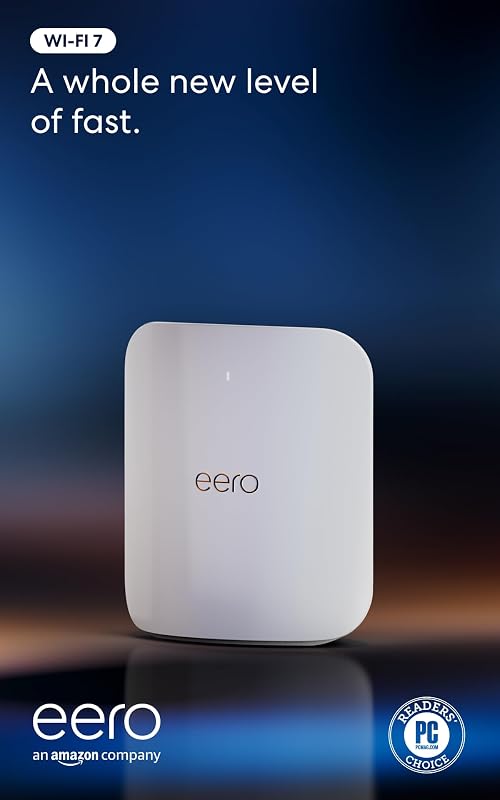
Eero Max 7
Pros
- Two 10 GbE ports with 9.4 Gbps wired speed
- Wi-Fi 7 wireless speeds up to 4.3 Gbps
- Extensive coverage up to 2500 sq ft per node
- Handles 250+ connected devices
- Includes 3-year limited warranty
Cons
- Zigbee support functions as controller only
- Requires Wi-Fi 7 clients for top wireless rates
Who Should Buy Each One
Choose the Eero Pro 6E If
- Your home broadband plan is capped at 1 Gbps or 2.5 Gbps and you do not require 10 GbE local wired ports.
- Your living space is 2,000 square feet or smaller per unit and hosts around 100 client devices.
- You want 6 GHz Wi-Fi 6E connectivity for compatible laptops and smartphones without investing in Wi-Fi 7 hardware.
- You are expanding an existing mesh network of backward-compatible previous-generation eero routers.
Choose the Eero Max 7 If
- You subscribe to a multi-gigabit fiber tier reaching up to 10 Gbps and require wired transfer speeds up to 9.4 Gbps.
- You manage a dense connected household with over 100 devices that benefits from 250+ client capacity.
- You operate smart home hardware that requires a built-in hub for Thread, Matter, and Zigbee devices.
- You regularly engage in latency-sensitive AR, VR, or cloud gaming that leverages 320 MHz channels and 10 spatial streams.
Final Verdict
For the vast majority of households operating on standard broadband plans, the Pro 6E delivers an ideal balance of practical speed and modern frequency access. With support for internet plans up to 2.5 Gbps, a dedicated 6 GHz radio band, coverage reaching 2,000 square feet, and support for over 100 devices, it handles daily 4K streaming, remote office tasks, and multi-user browsing with ease. It remains a reliable, thoroughly proven solution for anyone who wants dependable TrueMesh networking without overbuilding for speed tiers their internet service provider does not deliver.
However, when raw network capability, multi-gigabit throughput, and smart home consolidation take priority, the Max 7 is the superior hardware platform. By pairing dual 10 GbE ports with Wi-Fi 7 wireless speeds reaching 4.3 Gbps, 2,500 square feet of range, a 250+ device ceiling, and built-in Thread and Zigbee hub functionality, it establishes a high-performance domestic network backbone. If you have multi-gigabit fiber or intend to future-proof your connected living space for years to come, the Max 7 is unequivocally the system to deploy.
FAQ
Can the Eero Pro 6E and Eero Max 7 be used together on the same network
Yes. The Pro 6E is backward-compatible with previous-generation hardware, and the Max 7 integrates into existing eero networks using patented TrueMesh technology. If you mix them, place the Max 7 as your primary gateway router connected to your modem to ensure your network takes advantage of its 10 GbE throughput and superior routing capabilities.
What is the wireless speed difference between the Eero Pro 6E and Max 7
The Pro 6E reaches maximum wireless speeds of up to 1.6 Gbps operating on Wi-Fi 6E standards. The Max 7 achieves wireless speeds of up to 4.3 Gbps on Wi-Fi 7, leveraging wider 320 MHz channels and a BE20800 rating to deliver more than double the wireless throughput potential of the older model.
Do I need a 10 Gbps internet plan to use the Eero Max 7
No. The Max 7 functions properly on standard broadband plans of any speed. While it supports plans up to 10 Gbps, users on lower tiers still benefit from its expansive 2,500 square foot coverage, 250+ device capacity, fast local 10 GbE wired transfers, and low-latency Wi-Fi 7 communication between local devices.
How do the Ethernet ports differ between the Eero Pro 6E and Eero Max 7
The Pro 6E includes one 2.5 GbE port and one 1.0 GbE port, supporting wired speeds up to a gigabit across connected endpoints. The Max 7 provides two 10 GbE ports supporting wired speeds up to 9.4 Gbps, which allows for multi-gigabit wired backhaul between nodes or direct multi-gigabit connections to network switches.
Does the Eero Pro 6E work as a smart home hub for Zigbee and Thread
The product listing for the Pro 6E does not specify built-in Zigbee or Thread smart home hub hardware. In contrast, the Max 7 explicitly includes a smart home hub that supports Thread, Matter, and Zigbee (as a controller only), as well as Bluetooth Low Energy 5.0.
What warranty comes with the Eero Max 7
The Max 7 is backed by a 3-year limited warranty from the manufacturer, along with dedicated phone and email customer support. The product listing for the Pro 6E notes customer support availability but does not specify a 3-year warranty term.