The single deciding factor between these two 27-inch 4K monitors is whether your workflow prioritizes high-refresh motion smoothness or integrated single-cable laptop docking. The Dell S2725QS features a 120Hz refresh rate that doubles the fluid visual feedback of standard office panels, making everyday desktop navigation and gaming noticeably sharper. In contrast, the LG 27UP850 centers on workspace convenience with a built-in USB-C hub delivering 96W power delivery alongside wide cinematic color reproduction.
Choose the Dell S2725QS if you want fluid animation, higher static contrast, and casual gaming responsiveness on your desktop. Choose the LG 27UP850 if you dock a laptop daily and need wide DCI-P3 color coverage without managing separate charging bricks.


Dell S2725QS vs LG 27UP850 at a Glance
| Feature | Dell S2725QS | LG 27UP850 |
|---|---|---|
| Screen Size & Resolution | 27 inches, 3840 x 2160 (4K UHD) | 27 inches, 3840 x 2160 (4K UHD) |
| Refresh Rate | 120Hz | 60Hz |
| Panel Technology | IPS (In-Plane Switching) LED | IPS LCD |
| Stated Response Time | 0.03 ms | Not listed |
| Contrast Ratio | 1500:1 | 1200:1 |
| Peak Brightness | 350 nits | 400 cd/m² |
| Color Gamut Support | 99% sRGB | 95% DCI-P3 |
| High Dynamic Range | HDR Ready | VESA DisplayHDR 400 |
| Variable Refresh Tech | AMD FreeSync Premium | AMD FreeSync |
| Laptop Power Delivery | Not listed | USB-C with 96W Power Delivery |
| Stand Adjustments | Not listed | Height, Pivot, Tilt |
| Best For | Fluid daily productivity & mixed gaming | Clean single-cable laptop docking & design |
Refresh Rate and Motion Handling
Refresh rate dictates how many times per second a panel redraws the screen, influencing everything from system cursor tracking to fast video pans. Standard 4K desktop productivity displays typically cap at 60Hz. When running a display at higher refresh rates, rapid motion retains clarity, text ghosting during quick browser scrolls drops significantly, and mouse input lag feels markedly reduced. For anyone dividing their screen time between spreadsheet evaluation, UI interaction, and leisure gaming, refresh rate acts as an immediate physical upgrade to system responsiveness.
On technical paper and in real-world application, the Dell S2725QS 120Hz panel delivers twice the frame updates of the competing display. Dell pairs this 120Hz ceiling with AMD FreeSync Premium certification and an ultra-low 0.03ms stated response time on an IPS panel. By comparison, the LG 27UP850 operates at a standard 60Hz refresh rate and utilizes baseline AMD FreeSync, while its official listing does not specify an exact millisecond response time rating. When evaluating the lg 27gr93u vs dell s2725qs landscape, moving past standard 60Hz makes interactive workflows feel instantly snappy, a quality that makes the S2725QS stand out among standard 4K panels.
This difference matters most when playing fast-paced games or scrolling rapidly through expansive codebases and documents. With FreeSync Premium on the Dell, frames synchronize across a wider operating window without stutter or tearing, whereas the 60Hz cap on the LG limits modern gaming hardware to sixty frames per second. For users investigating a Dell S2725QS review with an eye on responsive interaction, the fluid motion is impossible to ignore once experienced side by side.
Edge: Dell S2725QS, because its 120Hz refresh rate, FreeSync Premium support, and 0.03ms response time provide far smoother visual output than a standard 60Hz screen.
Connectivity and Laptop Docking
Workspace ergonomics and cable management increasingly depend on how efficiently a monitor communicates with portable hardware. Modern laptop work revolves around single-cable docking, where video signal transmission, peripheral data transfer, and battery charging occur simultaneously over a single USB Type-C line. Without dedicated power delivery built directly into the display chassis, laptop operators must run an auxiliary power brick to the wall and juggle multiple dongles or proprietary docks just to keep their battery maintained during resource-heavy tasks.
The connectivity architecture shows stark differences between these two units. The LG 27UP850 USB-C power delivery is an explicit pillar of its hardware design, outputting 96W of juice straight through its USB-C connection while handling display data. It also incorporates two HDMI ports for auxiliary consoles or stationary desktops. In contrast, the Dell S2725QS specs do not specify USB-C laptop power delivery or general USB hub ports in its official listing. If your primary computer is a notebook, using the Dell monitor requires maintaining a separate charging connection to the laptop chassis alongside whatever display cable adapter you use.
For mobile professionals asking whether to get the Dell S2725QS or LG 27UP850 for Mac notebooks or Windows ultrabooks, the LG completely transforms desk organization. A full 96 watts easily keeps demanding workstation laptops charged even under full computational loads without drawing power from internal battery reserves. The absence of listed high-wattage power delivery on the Dell relegates it to a more traditional desktop display role that expects a desktop tower or pre-docked machine.
Edge: LG 27UP850, because its integrated USB-C connection with 96W power delivery charges power-hungry laptops while transmitting display data over one cable.
Color Accuracy and Color Gamut Coverage
Color performance governs how faithful digital imagery appears when editing photos, grading video clips, or consuming high-resolution media. Color gamuts represent the standardized range of colors a panel can physically reproduce. The basic sRGB profile serves standard web browsing and general software design, whereas wider profiles like DCI-P3 reproduce the deeper saturations, vivid reds, and vibrant greens utilized in digital cinema mastering and advanced multimedia creation.
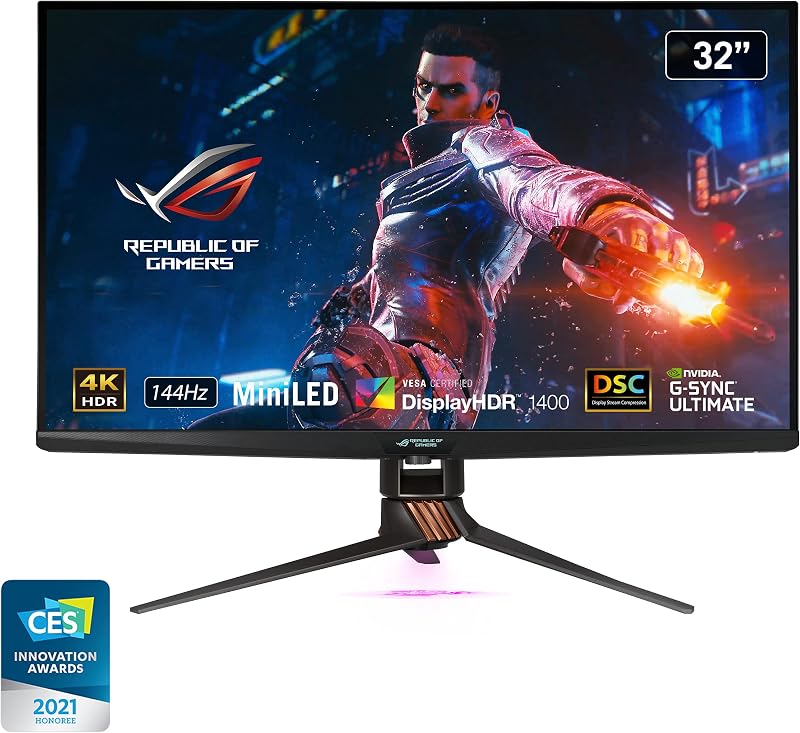
Looking at the manufacturer data, the LG 27UP850-W vs Dell S2725QS comparison reveals very different color tuning priorities. The LG display covers 95% of the wide DCI-P3 color gamut and holds official VESA DisplayHDR 400 certification, backed by a 400 cd/m² typical brightness output. The Dell S2725QS focuses on web-standard spaces, offering 99% sRGB color gamut coverage alongside an HDR Ready designation and 350 nits of maximum brightness. As analyzed in broader display comparisons like the dell s2725qs vs asus rog swift pg32uqx, standard sRGB is clean and accurate for everyday desktop tasks, but falls short of wide-gamut digital cinema color reproduction.
Creative professionals who edit commercial video assets or work with wide-gamut color spaces will gain meaningful utility from the LG panel. While the Dell renders web layouts and everyday graphics cleanly without unnatural oversaturation, the LG delivers the extended chromatic range necessary for color grading in DCI-P3 workflows. The certified 400 cd/m² brightness on the LG also guarantees higher peak output than the 350 nits listed for the Dell.
Edge: LG 27UP850, because its 95% DCI-P3 color gamut and VESA DisplayHDR 400 certification offer superior color volume and higher peak luminance for creative applications.
Panel Contrast and Black Level Depth
Contrast ratio measures the luminance gap between the brightest white and deepest black a panel can generate simultaneously. Standard IPS technology has historically suffered from shallow black depths, often appearing dark gray in dim lighting environments due to panel backlighting. Higher static contrast mitigates this limitation, creating noticeable visual punch, crisper text separation, and improved depth when viewing moody media scenes or working within dark-themed developer environments.
In this technical category, the Dell S2725QS takes a clear step forward over baseline IPS expectations. It is built with an upgraded 1500:1 static contrast ratio, which is 25% higher than the typical 1200:1 contrast ratio provided on the LG 27UP850. While neither panel matches the inky black levels of deep mini-LED arrays like those explored in the dell s2725qs vs samsung odyssey neo g7 32, moving from 1200:1 to 1500:1 on an IPS matrix makes a tangible visual difference in perceived shadow separation.
Dell also incorporates improved ComfortView Plus technology directly into the hardware layer, reducing harmful blue light emissions down to 35% or less without shifting onscreen color balance toward an unnatural yellow cast. Combined with the 1500:1 contrast ratio, this hardware filtering keeps fine lines and contrasty text comfortable during extended productivity marathons. The LG 27UP850 produces great clarity at 3840 x 2160, but its 1200:1 contrast ratio yields slightly lighter black levels when operated in a dimly lit office.
Edge: Dell S2725QS, because its 1500:1 static contrast ratio renders deeper dark tones and sharper text separation than the 1200:1 panel on the LG.
Ergonomics, Stand Adjustability, and Integrated Audio
Physical positioning and onboard utilities directly shape daily desk comfort. An ergonomic stand should allow users to align the screen with their natural line of sight to reduce neck fatigue, or pivot completely into portrait orientation when reading long terminal windows, documents, or spreadsheets. Simultaneously, decent integrated speakers reduce clutter for individuals who prefer not to crowd their workspace with external sound bars or wear headphones all day long.
The LG 27UP850 comes out of the box with a fully articulated ergonomic stand that supports height adjustment, pivot into portrait mode, and forward/backward tilt. It sports a 3-side virtually borderless aesthetic with a silver base. The Dell S2725QS listing highlights an ash white finish with ultra-thin bezels, and places specific emphasis on its re-engineered sound quality, featuring greater acoustic output power, a deeper frequency response, and broader decibel dynamic range compared to previous-generation Dell consumer panels. However, the listing specifications do not detail full pivot or height adjustment ranges for the Dell stand mechanism.
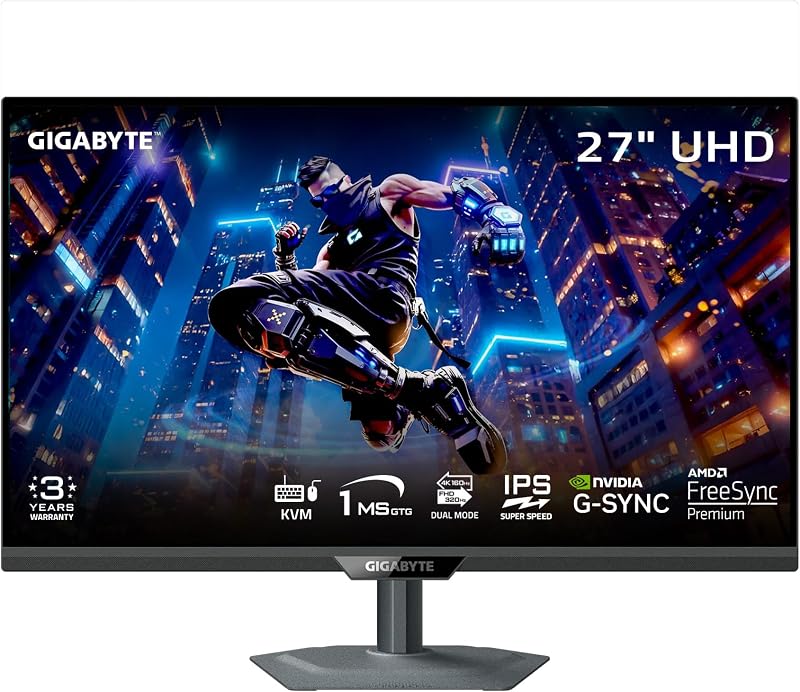
For shoppers balancing workstation physical setups, as seen when comparing flexible desktop options like the gigabyte m27up sa vs dell s2725qs, out-of-the-box portrait pivot functionality can eliminate the need for third-party mounting arms. If you need immediate portrait orientation for coding or document review without spending extra on monitor mounts, the LG delivers that functionality out of the box. Conversely, if your priority is cleaner onboard sound without desk speakers, Dell provides an upgraded acoustic package directly in the monitor chassis.
Edge: LG 27UP850, because its fully articulated stand provides documented height, pivot, and tilt adjustments right out of the box.
Pros and Cons
Dell S2725QS
Pros
- Smooth 120Hz refresh rate
- Higher 1500:1 contrast ratio
- AMD FreeSync Premium support
- Hardware-level ComfortView Plus low blue light
Cons
- Lower 350-nit brightness
- No 96W USB-C power delivery
LG 27UP850
Pros
- USB-C port with 96W power delivery
- Wider 95% DCI-P3 color gamut
- Higher 400-nit brightness with DisplayHDR 400
- Full height, pivot, and tilt ergonomic stand
Cons
- Standard 60Hz refresh rate
- Lower 1200:1 contrast ratio
Who Should Buy Each One
Choose the Dell S2725QS If

- You prioritize fluid desktop motion, smooth scrolling, and responsive everyday interaction driven by a native 120Hz refresh rate.
- You want casual or mixed gaming capabilities backed by AMD FreeSync Premium and an ultra-fast 0.03ms stated response time.
- You do heavy reading or writing in dark-mode environments and benefit from a higher 1500:1 static contrast ratio alongside hardware-level ComfortView Plus blue light reduction.
- You utilize a dedicated desktop tower or standalone docking station and do not rely on your monitor to supply USB-C power to a laptop.
Choose the LG 27UP850 If

- You connect a modern laptop or MacBook and require single-cable operation with 96W USB-C power delivery to charge the machine without extra bricks.
- Your visual workload includes color-sensitive photo or video tasks requiring wide 95% DCI-P3 color gamut coverage.
- You need out-of-the-box ergonomic freedom, including native height adjustments, forward/backward tilt, and full 90-degree portrait pivot.
- You work in a bright room where certified VESA DisplayHDR 400 and a 400 cd/m² luminance rating help cut through ambient reflections.
Final Verdict
When stacking up these two 27-inch 4K panels, the optimal purchase depends entirely on how your computer sends video to the screen. For users operating stationary desktop rigs or connecting modern consoles, the Dell S2725QS stands as the superior screen for overall interaction. Doubling the standard refresh rate to 120Hz brings a level of visual fluidity to basic operating system tasks, scrolling, and gaming that a 60Hz panel cannot reproduce. Paired with a higher 1500:1 contrast ratio and hardware-level eye care, it represents an outstanding general-purpose and leisure display.
However, the LG 27UP850 wins hands down for portable workstation setups. Anyone asking is LG 27UP850 worth it for a mobile computing environment will find that its 96W USB-C power delivery instantly simplifies desk clutter while providing plenty of wattage for heavy laptop processing. Factor in 95% DCI-P3 color reproduction, VESA DisplayHDR 400 brightness, and a fully adjustable portrait-ready stand, and the LG remains an unbeatable single-cable command center for laptop professionals.
FAQ
Can the Dell S2725QS output 4K resolution at 120Hz simultaneously?
Yes, the Dell S2725QS is built specifically as a 4K UHD display with a native 3840 x 2160 resolution and an integrated 120Hz refresh rate. To achieve this maximum combination, your source computer graphics hardware and display cable must support high-bandwidth output capable of handling 4K at 120Hz.
Does the LG 27UP850 deliver enough power to charge a MacBook Pro?
Yes, the LG 27UP850 USB-C port provides up to 96W of power delivery. This high wattage is sufficient to charge and run 13-inch, 14-inch, and most 16-inch MacBook Pro models under normal and heavy workloads over a single cable without draining the internal laptop battery.
Which monitor is better for gaming between these two models?
When considering the Dell S2725QS or LG 27UP850 for gaming, the Dell S2725QS is clearly superior. It features a fast 120Hz refresh rate, AMD FreeSync Premium variable refresh rate technology, and an ultra-low 0.03ms response time, whereas the LG caps at 60Hz with standard AMD FreeSync.
Can the LG 27UP850 rotate into portrait orientation?
Yes, the LG 27UP850 includes an adjustable stand that supports pivot functionality, allowing you to turn the screen 90 degrees into portrait mode. It also supports standard height and tilt adjustments without requiring third-party VESA mounting hardware.
Does the Dell S2725QS have built-in speakers?
Yes, the Dell S2725QS features re-engineered integrated sound quality. The manufacturer listing notes that its internal speakers feature improved output power, a deeper frequency response, and wider decibel dynamic range compared to previous-generation models.
What are the primary color gamut differences between these displays?
The Dell S2725QS covers 99% of the standard sRGB color gamut, making it ideal for web browsing, office software, and standard sRGB content. The LG 27UP850 supports a wider color spectrum, covering 95% of the cinematic DCI-P3 gamut alongside VESA DisplayHDR 400 certification for wide-gamut media work.
Does the Dell S2725QS include USB-C laptop charging?
The provided listing specifications for the Dell S2725QS do not specify USB-C connectivity or laptop power delivery. If you plan to connect a notebook to the Dell, you will need to plan on powering the laptop with its dedicated power adapter.